Production note · Generative video
Character sheet first: a brand campaign in three days
Two synthetic actors, six products, three films with an original score — built on a single board in three days. The interesting part isn’t the speed. It’s the ordering: almost everything that makes a generative campaign fall apart is decided before you generate a single hero frame.
AYLA, KAAN) and their wardrobe variants in the middle, and the three image → video chains at the bottom. Blue is stills, green is restoration, amber is motion. The shape of the graph is the method: everything below the character panels descends from them.This was a self-initiated concept campaign — built to find out what an entirely generative production could actually carry. No camera, no set, no talent, no photographer. The output was a cast of two, a six-SKU capsule, and three finished films with an original score.
The method in one paragraph
Generate a character sheet before any hero frame — neutral pose, neutral light, plain ground — and promote one clear frame to the reference. From then on the prompt never describes that person again; wardrobe, angle and scene are all variants of the reference. Products run on a separate track. Generate in fours, cull hard, upscale only the winner. Restore faces as their own pass. Then animate from a tool that uses your still as a literal first frame — and prompt motion only, with two or three explicit prohibitions. That’s the whole thing. The rest of this page is why each step is there.
What follows is the actual pipeline, in the order it ran. I’m writing it out because the thing that made it work is not a model choice and not a prompt trick — it’s a dependency order, and I’ve seen a lot of people run it backwards.
00The mistake this pipeline is designed to avoid
The intuitive way to make a campaign is shot by shot: think of a shot, write a prompt, generate it, move on. This works beautifully for one image and fails completely at twelve, because each shot is an independent sample. Your model has no memory of what the person looked like last time. You get twelve attractive strangers who all vaguely match your description.
Once you’re there, the usual response is to write longer prompts — more detail about the face, the hair, the wardrobe — and it doesn’t work, because text is a lossy description of a face. Two prompts that read identically to you are two different people to the model.
The fix isn’t a better description of the character. It’s to stop describing the character at all, and start referring to one.
01Character sheet before anything else
The first thing generated on this board was not a shot. It was a character sheet — the same person, multiple angles, neutral pose, neutral light, on a plain background. One for each of the two leads.
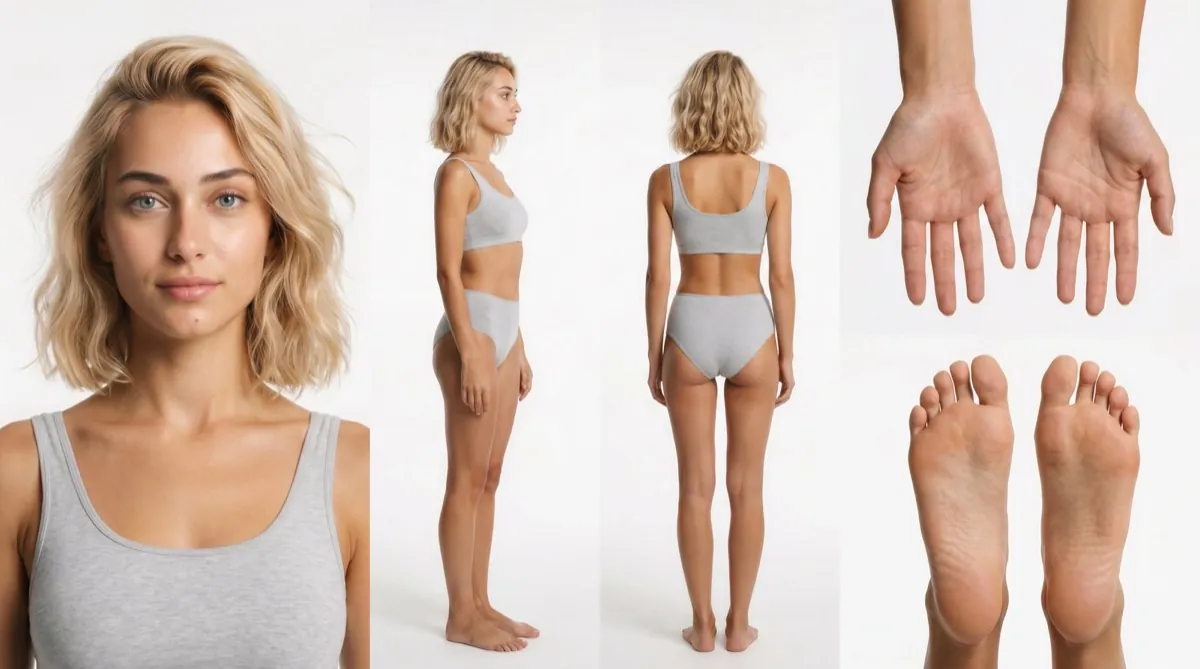
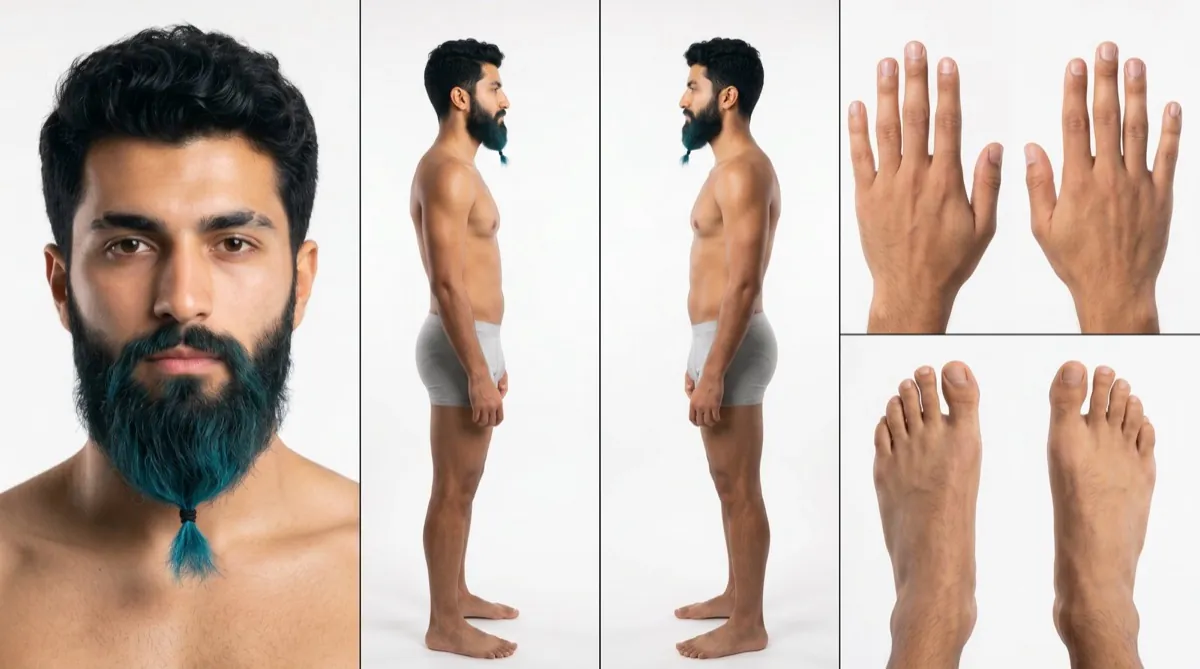
The neutrality is the point. A sheet generated in dramatic light bakes that light into every descendant frame, and you spend the rest of the project fighting it. What you want is the most information about the person and the least information about any particular scene.
Then lock a single face
From the sheet, one frame gets promoted to the reference. Not the best-looking one — the clearest one: face-on, evenly lit, unambiguous. Every subsequent generation of that character points back to this file.
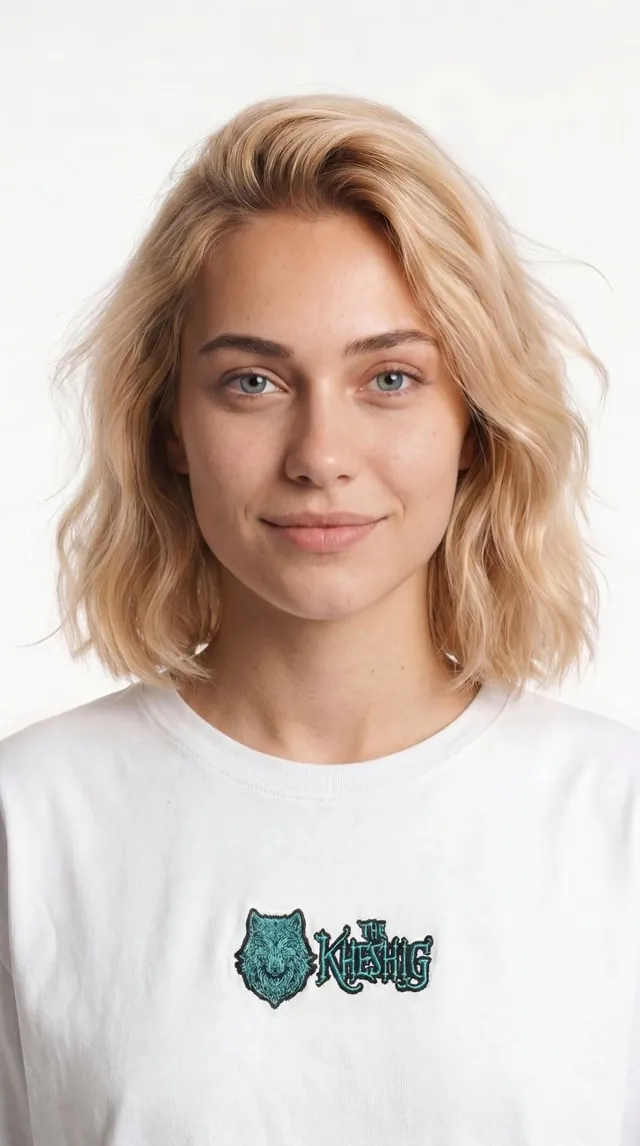
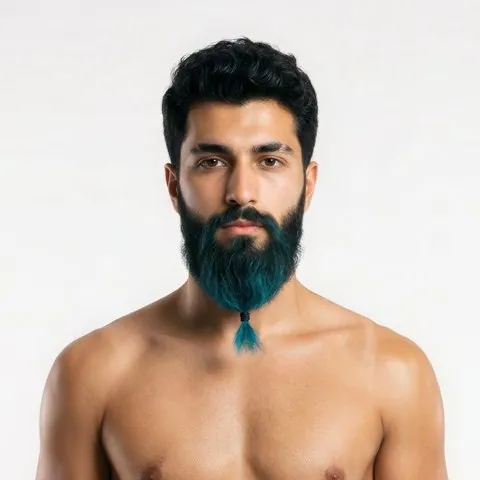
Where the tool allows it, pin the seed family too. A locked reference plus a stable seed is what lets you say the thing a brand actually wants to hear: the two-hundredth frame is the same face as the first. A cast built this way is reusable inventory — the next campaign starts with the actors already existing.
02Wardrobe is a variant, not a new person
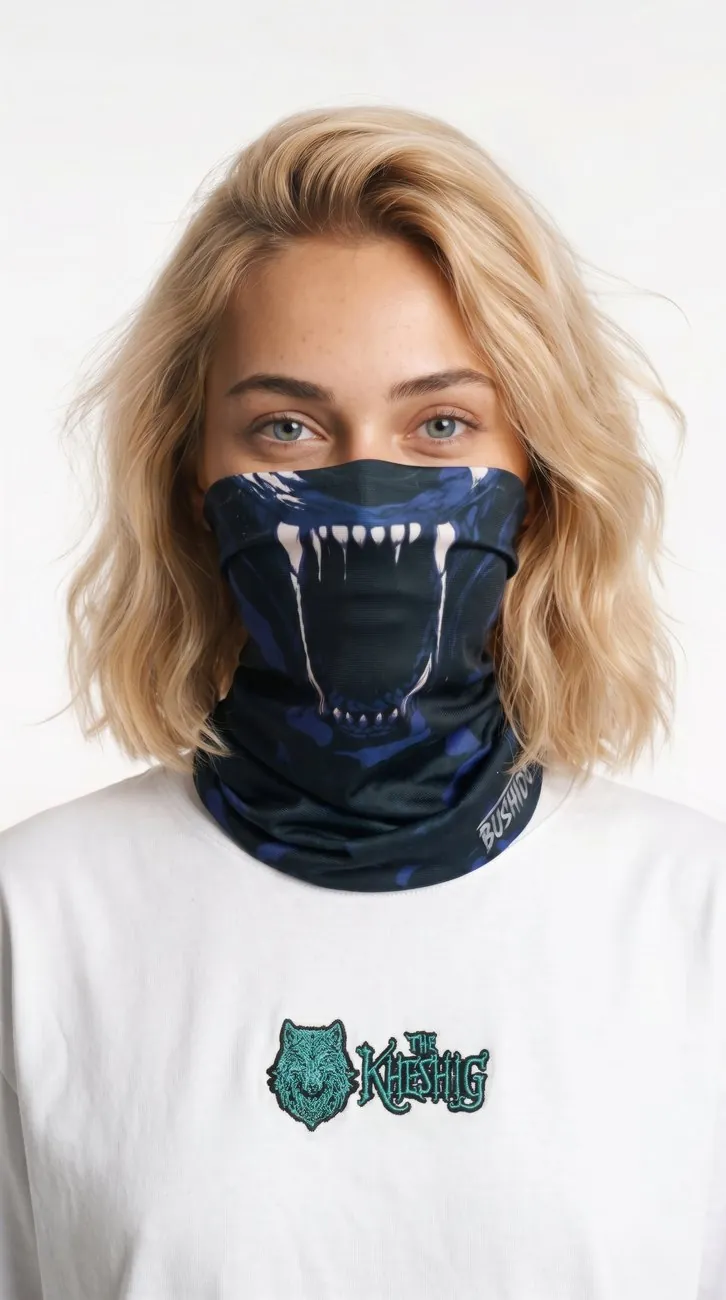
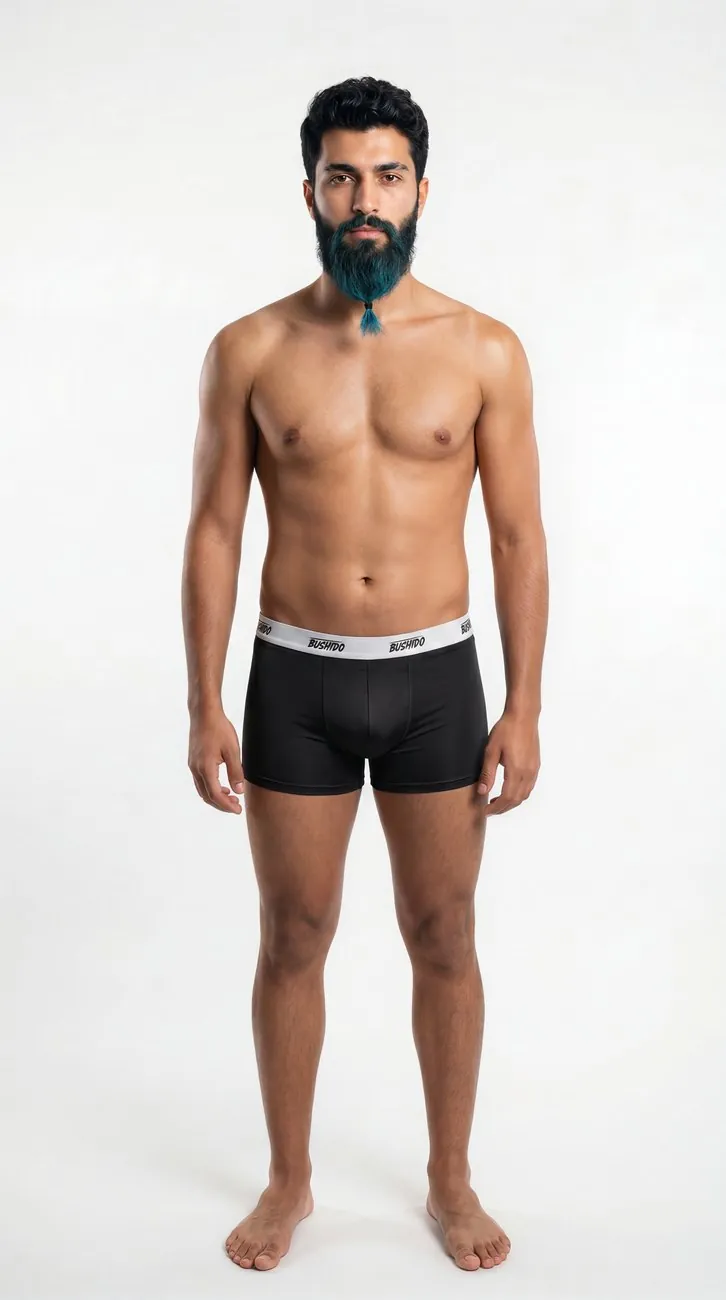
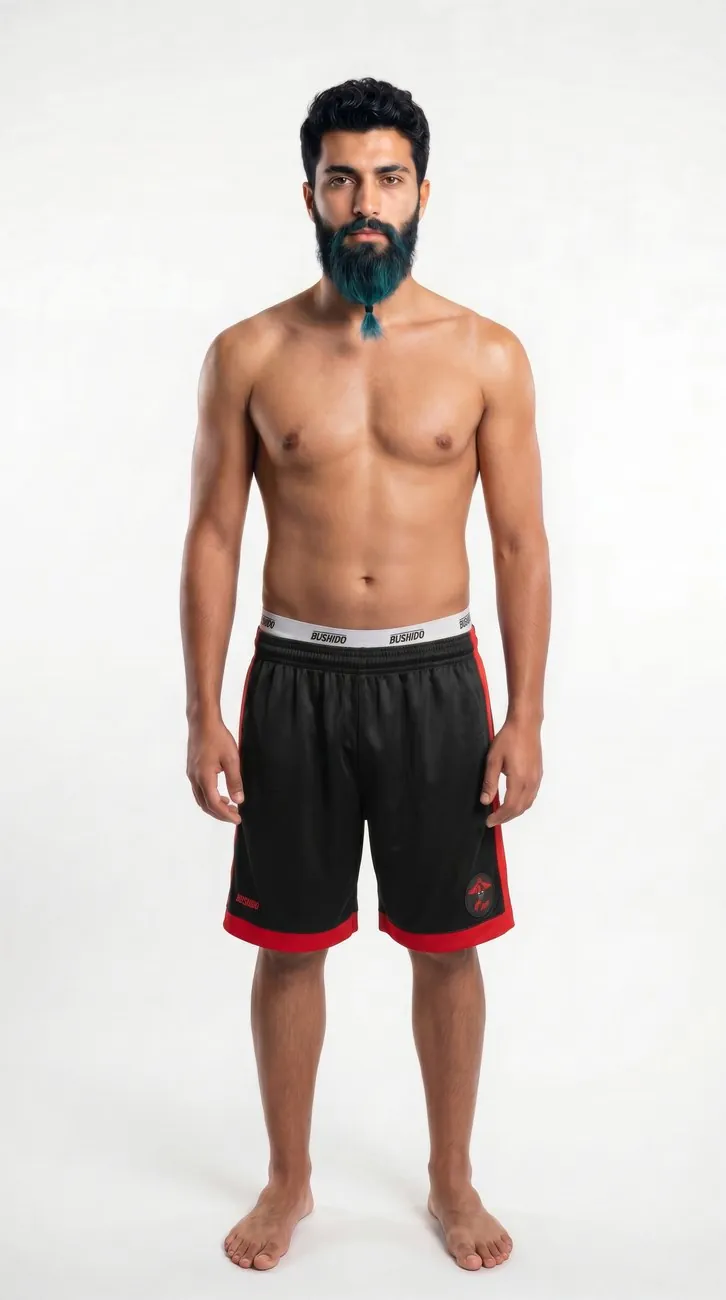
Each product the character had to wear became a variation of the reference, not a fresh generation. The prompt at this stage describes the garment and nothing else — no face, no hair, no build, no age. Those come from the reference image.
The prompt discipline that matters here
Every attribute you re-describe in text is an attribute you have given the model permission to re-interpret. If the reference carries the face, describing the face invites drift. The working rule across this whole board: describe only what is changing.
Where it has to survive: close range
Wide shots forgive a lot. A face at 20% of frame height can drift a long way before anyone notices. The test that matters is the one the edit will actually put on screen — the close-up, where a slightly different nose or a differently-set eye reads instantly as a different person.
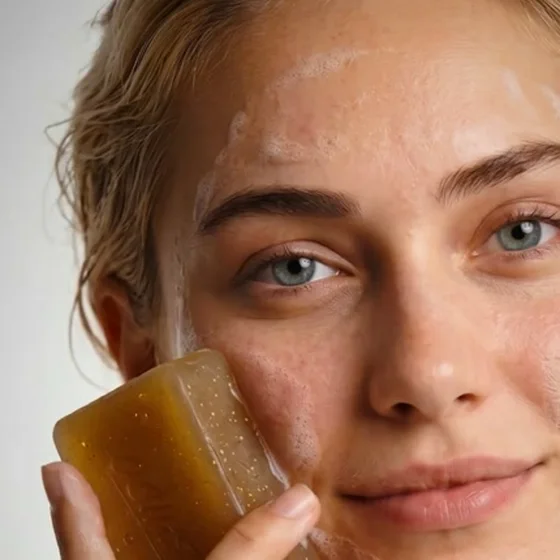
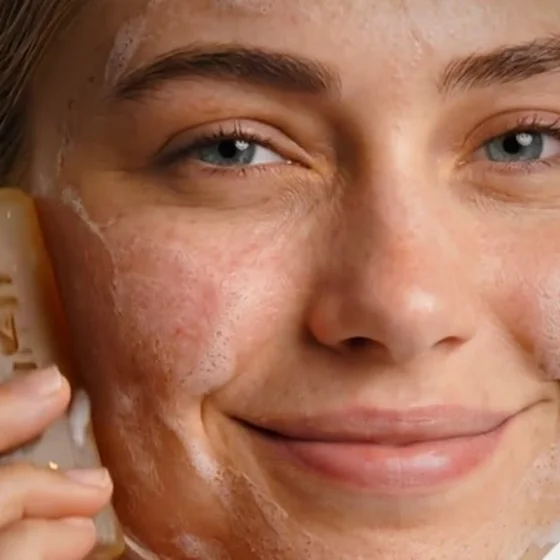
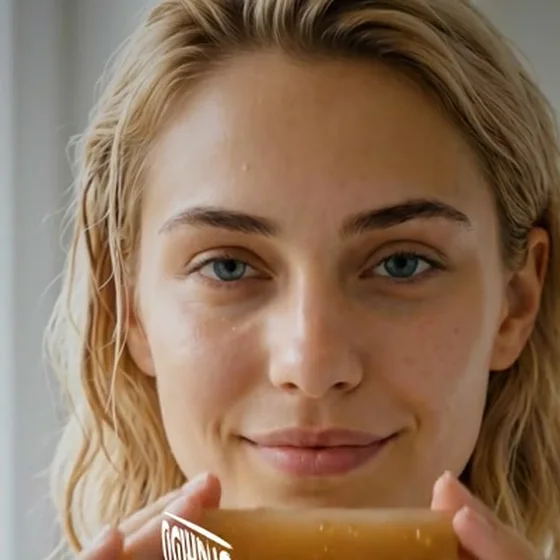
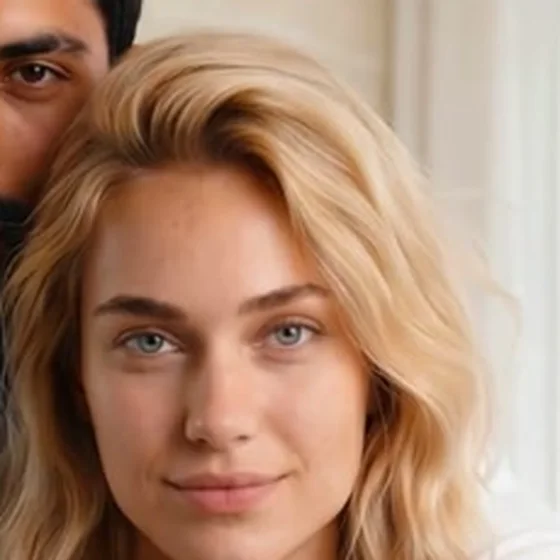
This is the argument for doing the character work first rather than fixing it later. There is no post-production step that turns four nearly-identical strangers into one person; the consistency either exists in the generation or it does not.
03Products run as a separate track
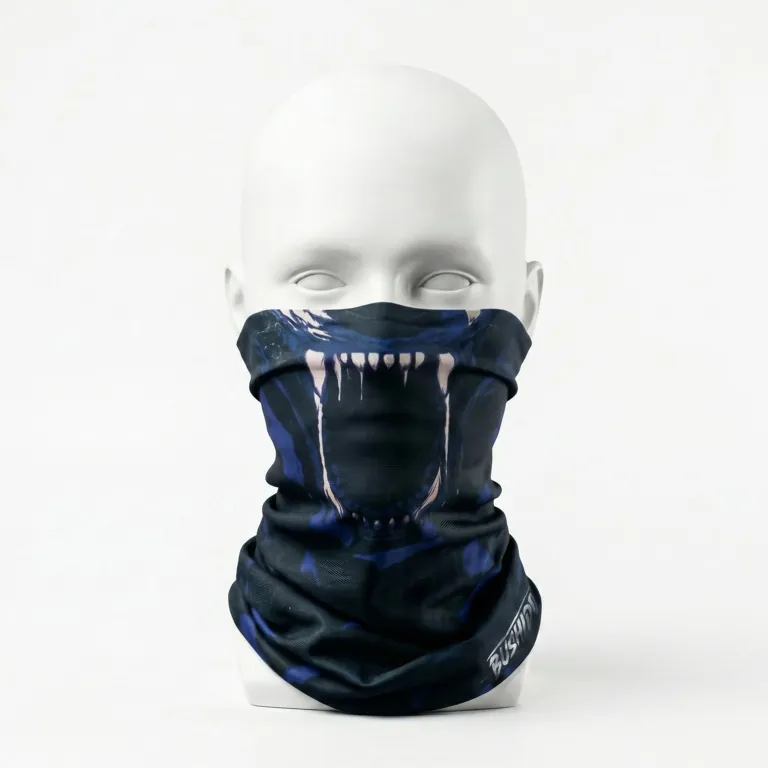
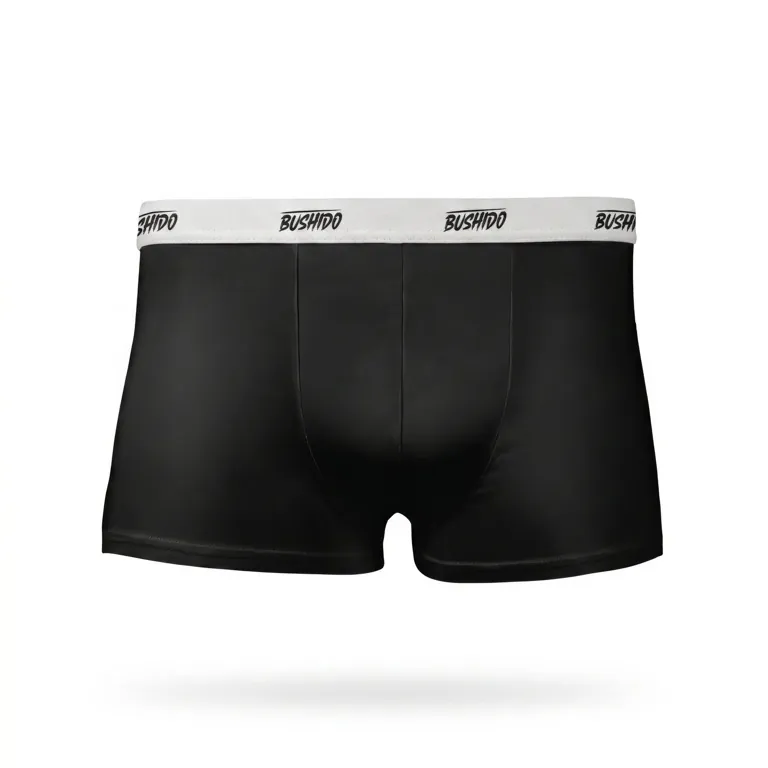
Product imagery has different requirements from people — it needs to be literal, front-lit, honest about material and colour, and reusable in a catalogue. So the six SKUs were built on their own branch of the board, never mixed into the character generations.

04Selection is the actual work
Generation is cheap and getting cheaper. What is not cheap is deciding what survives — and the discipline that governs this decided more about the final quality than any model setting.
Everything is generated in batches of four, then culled hard, and only the winner is upscaled. Restoration is expensive in time; spending it on a frame that won’t make the cut is the most common way a schedule quietly disappears.
The second rule is a ceiling. The project runs with a fixed number of selects — for this one, twelve. A frame only enters by pushing a weaker one out. It sounds arbitrary and it is the single most useful constraint I use, because it forces every addition to be an argument rather than an accumulation.
Twelve consistent frames beat forty random bangers. A campaign is judged on coherence; a feed is judged frame by frame.
Related: cap how much ground you cover per day. Depth over spread — a few categories taken all the way through beats every category taken halfway, because the half-finished ones will not survive review anyway.
05The cleanup chain — and why the face gets its own pass
Generated frames are not finished frames. Everything that survived selection went through a fixed restoration chain before being used:
The last step is the one worth arguing for. Faces and fabric want opposite treatment: the settings that make a knit read as a knit will make skin look like plastic, and the settings that keep skin honest leave the garment soft. So on any frame where a face carries the shot, the face is restored as its own operation and composited back — a separate node on the board, not a different slider on the same one.
This is unglamorous and it is most of the difference between “clearly AI” and “fine.”
One ordering detail from the finish, since it belongs to the same idea: grain goes on last, after grading and after every composite. Grain is what glues a comped element to the plate — apply it before compositing and you get a sharp, clean object sitting on top of a grainy image, which is exactly the tell you were trying to remove.
06Composed frames
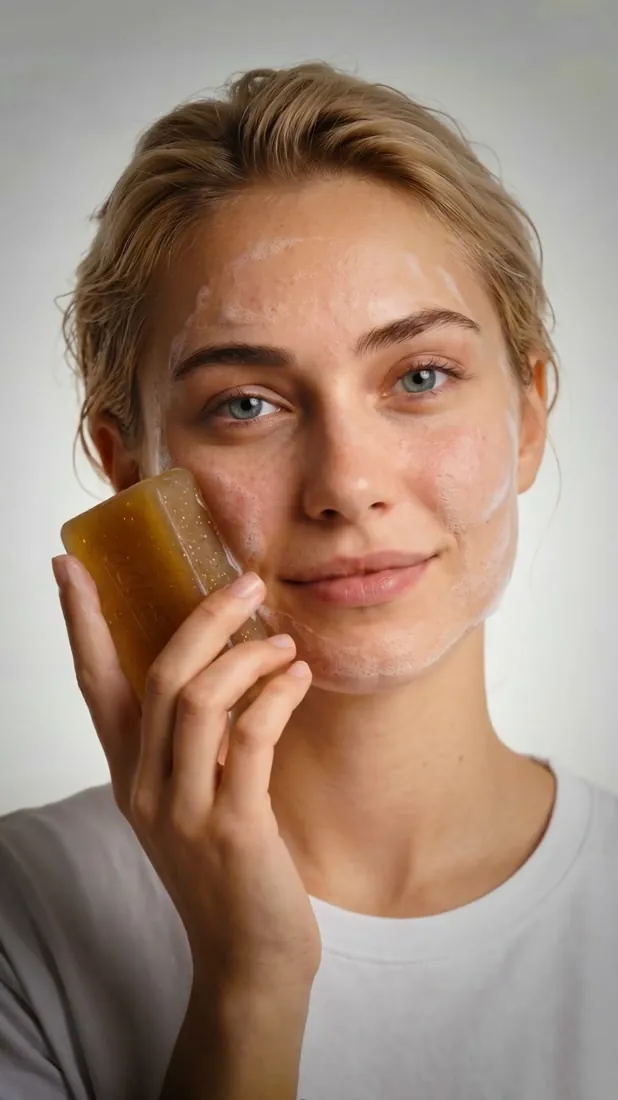
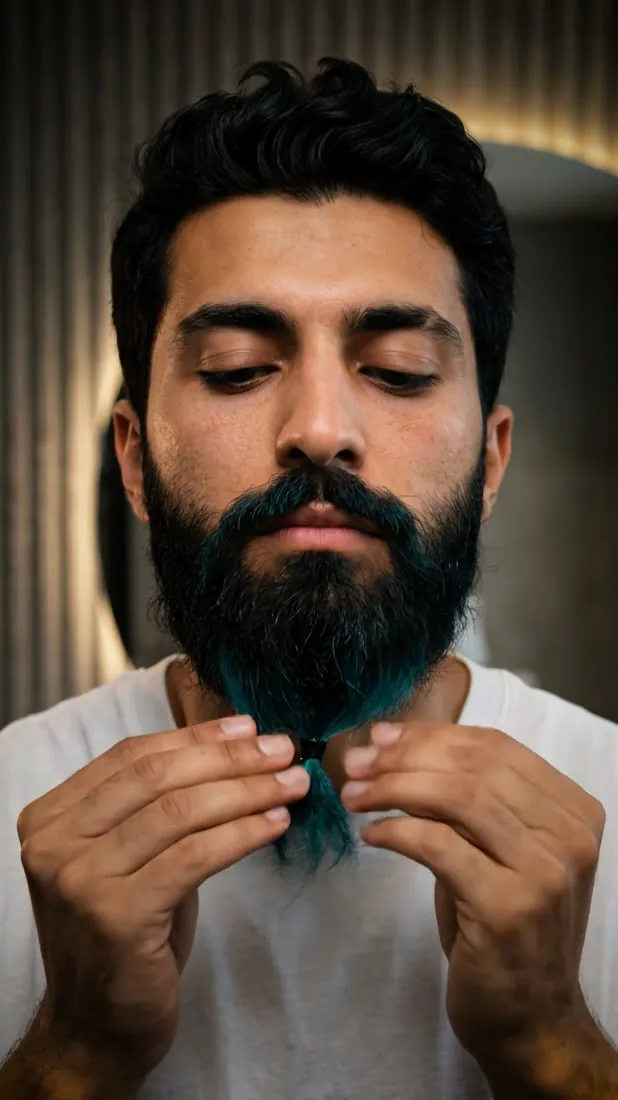
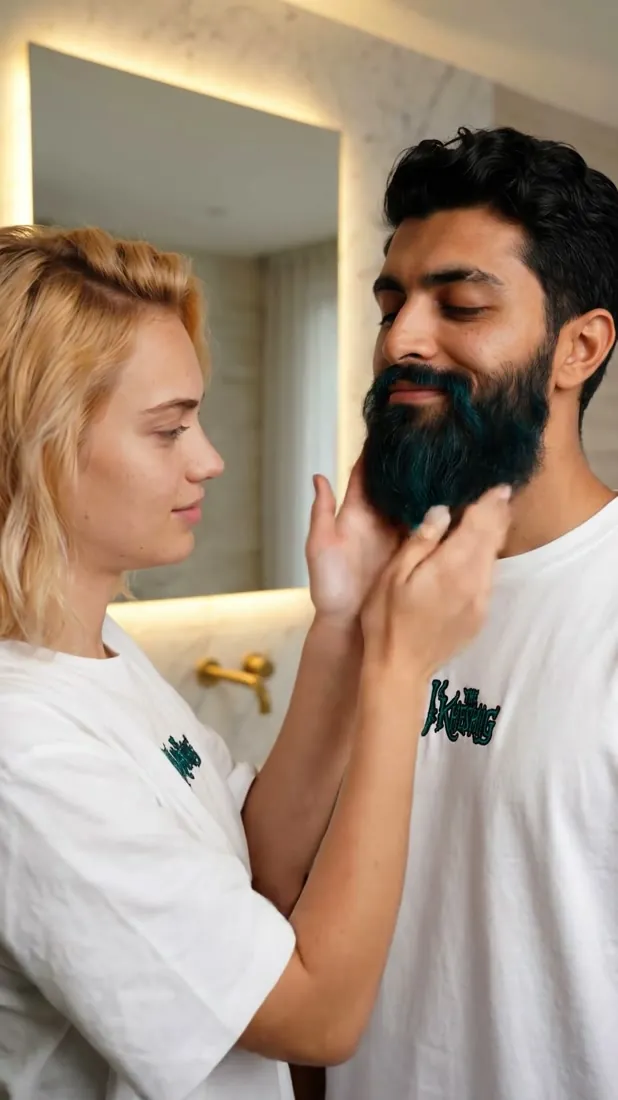
Only now do the two tracks meet. Character variants plus product references get composed into the actual campaign stills — the frames that will become the films.
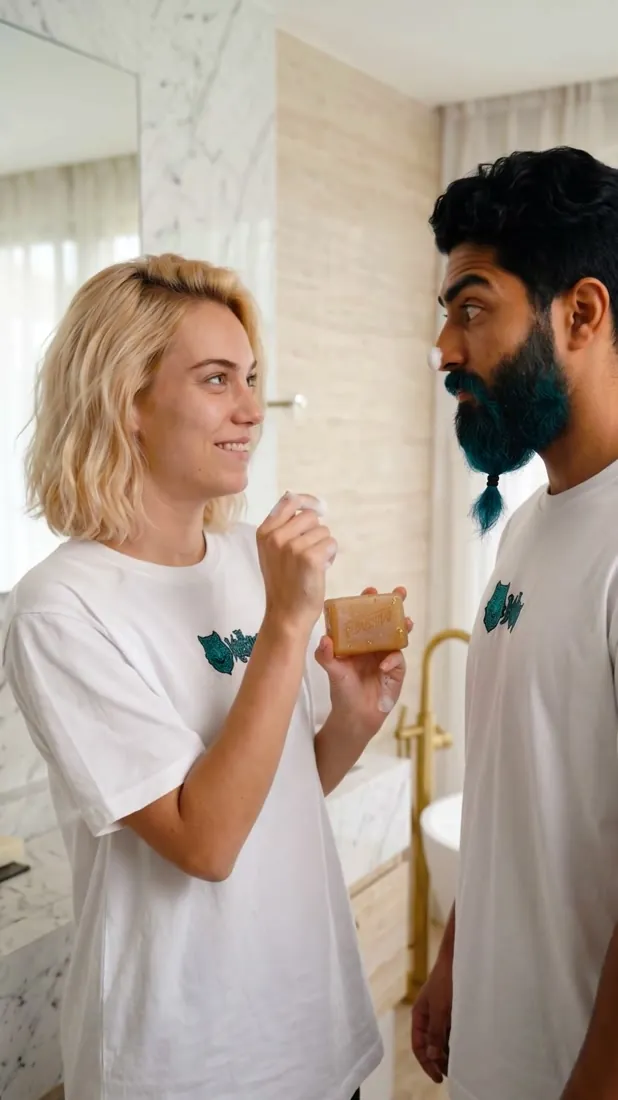
07Stills become shots — and the trap in “image-to-video”
Each approved still is then animated. Here there is one binary fact that decides whether any of the previous work survives, and it is almost never stated plainly on a product page:
Some image-to-video tools use your image as the literal first frame. Others treat it as a style reference and re-synthesise the shot from your prompt. Both are legitimately called “image-to-video.” Only the first one preserves four stages of character work.
A 30-second test, before you commit a project
Take a frame with an attribute the model would never invent on its own — an unusual colour, an odd placement. Write a prompt that describes only motion and never mentions that attribute. Then look at frame 0 of the output.
- Attribute survives → real start frame. Your stills are your continuity.
- Attribute gone, or “corrected” to something more typical → it’s a reference. No prompt will fix this. Change tools.
I lost several days on another production before I understood this. The tell was that the wrong output was reproducible: a model loosely following your image gives you different wrong answers each time, but a model that lands on the same wrong answer twice was never looking at your image at all.
08Once the frame is real, prompt motion only
This inverts normal prompting instinct. When the first frame is genuinely locked, the frame already carries the scene — so every sentence describing what is in the shot is redundant at best, and at worst hands the model a lossy text version of an image it already has.
Name the failure modes as prohibitions
These models are tuned to produce impressive output, and “impressive” has a house style: the camera moves, something sways, the light does something. On a standalone clip that reads as production value. Across a cut sequence it reads as a continuity error. The model will not infer that you want restraint — you have to write it down, and in practice the prohibitions carry more weight than the instruction.
| What it does unasked | What to write |
|---|---|
| Adds a camera move | camera stays nearly static |
| Changes subject scale between shots | subject stays the same size in frame |
| Re-poses the subject | does not change pose |
| Animates the whole environment | only the drop falls — nothing else moves |
| Transforms materials (gold, glass, glow) | does not turn to gold, does not glow |
| Degrades near the end of the clip | does not distort or warp |
Two things I’d stress. Be specific about what may move — “only the drop falls” works where a generic “minimal motion” does not, because it gives the model one permitted motion instead of asking it to guess a threshold. And keep the list short and shot-specific: a boilerplate block of twenty negatives pasted onto everything dilutes the ones that matter.
Shape of a working shot prompt
<one line: the single motion you want>
<one line: what the camera does — usually nothing>
<2–4 prohibitions, specific to this shot>
No style words. No quality words. Nothing already visible in the frame.
The two-attempt rule
If a shot hasn’t landed in two seeds, don’t spend a third. The problem is almost never the seed — it’s that you asked for too much motion. Simplify: less camera, more atmosphere. A shot where only steam moves and the camera is locked will resolve on the first try; the same shot with a slow dolly and a head turn may never resolve at all.
This one rule is the difference between a shot list that converges and one that eats a day.
Take the risky events off the model
Some events are worth doing by hand. A light sweep across a surface, a logo reveal, a lens flare hitting at a specific frame — generate these and the model will bend your label, drift your geometry, or invent text. Composite them instead, in After Effects, where they are under frame-by-frame control.
Related and non-negotiable on any commercial work: a label is a shape, never generated readable text. Generated type is always subtly wrong, and on a product shot subtly wrong is fatal. The real label gets composited; the generation only has to produce a surface for it to sit on.
A kill-list for motion
These are the specific artefacts that sent a clip back on this project. Worth knowing by name, because once you can name them you spot them in the first second instead of after the edit:
- Label breathing — packaging type subtly swelling and contracting
- Liquid morph — a pour or droplet that changes volume mid-motion
- Geometry slide — an object’s edges drifting against its own shadow
- Smoke reversing — steam or vapour changing direction mid-clip
- Floating reflection — a reflection that doesn’t track its source
- Added object — something in frame that was not in the still
- Hallucinated text — any generated lettering, anywhere
09Output
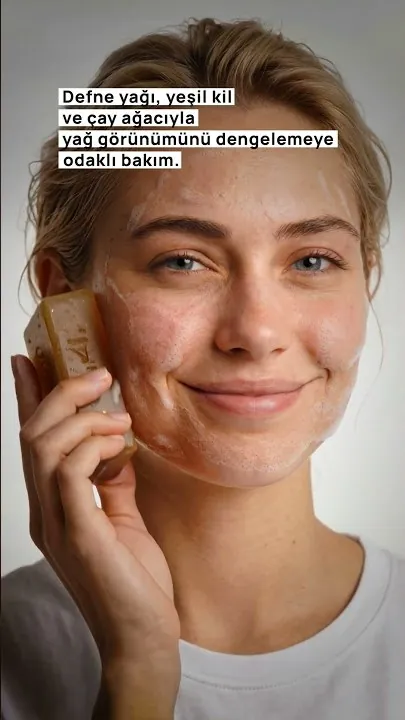
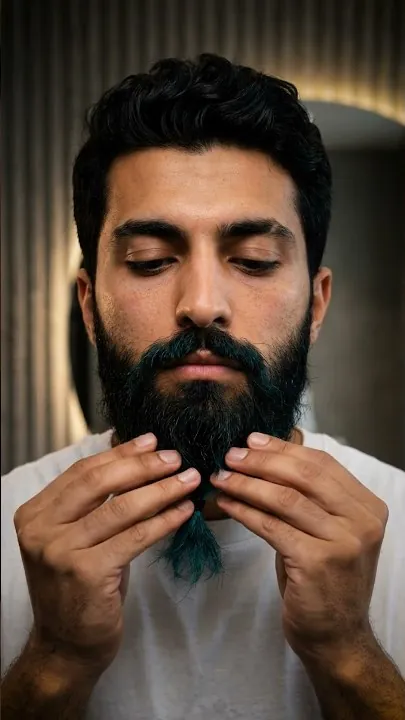
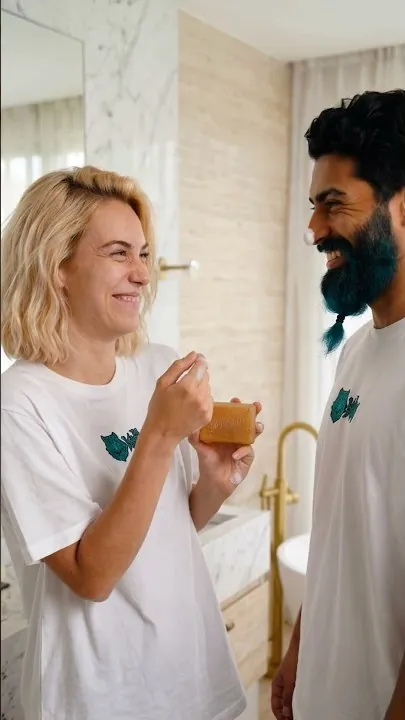
The stack
| Stills, sheets, variants | Nano Banana 2 Flash — 44 generations across the board |
|---|---|
| Restoration | Topaz — denoise, 1.7× upscale, sharpen, separate face pass |
| Motion | Kling 3.0 — 19 generations, 4 s each, sound on |
| Board | Magnific Spaces — 128 nodes, 149 connections, one page |
| Finish | Premiere Pro, After Effects; score with Suno |
On cost: benchmark on your own shot rather than on a pricing page. On a different production I found two video models available through the same provider differing by roughly 10× for the same job, and the expensive one was not better at that task — it was better at other tasks.
10Where the three days actually went
Not where you’d guess. Generation is fast and getting faster; the time went into selection and the cleanup chain — deciding which of many candidate faces becomes the reference, and then running every surviving frame through restoration properly rather than approximately.
That’s also the honest answer to “can AI replace a shoot.” This replaced a shoot for a spec campaign with synthetic talent and a controllable product. It did not remove the direction, the selection, or the finishing — it moved them earlier.
11Checklist
- Generate a character sheet before any hero frame — neutral pose, neutral light, plain ground
- Promote one clear frame to the reference; never describe that face in text again
- Build wardrobe as variants of the reference, not fresh generations
- Keep the product track separate from the character track
- Generate in batches of four, cull hard, upscale only the winner
- Set a selects ceiling — a new frame gets in only by pushing a weaker one out
- Restore faces as their own pass — different settings from fabric
- Apply grain last, after grading and every composite
- Test your video tool for a real start frame before committing the project
- Prompt motion only; delete everything already visible in the frame
- Add 2–4 shot-specific prohibitions; be specific about the one thing permitted to move
- Two seeds, then simplify the motion — never a third attempt at the same shot
- Composite light events and logo reveals by hand; never generate readable type
- Benchmark model cost on your actual shot
12What this doesn’t solve
Character consistency holds within a lineage — everything descending from one locked reference. It does not reconcile two characters built from different references, so plan the cast before you start generating. Drift also returns with clip length; four seconds is comfortable and the failure rate climbs from there. And none of this touches performance: a face can be perfectly consistent and still not act.
What it does remove is an entire class of failure — the one that looks like a prompting problem and isn’t — so your attention goes to the problems that actually are.